 Umaru Creative
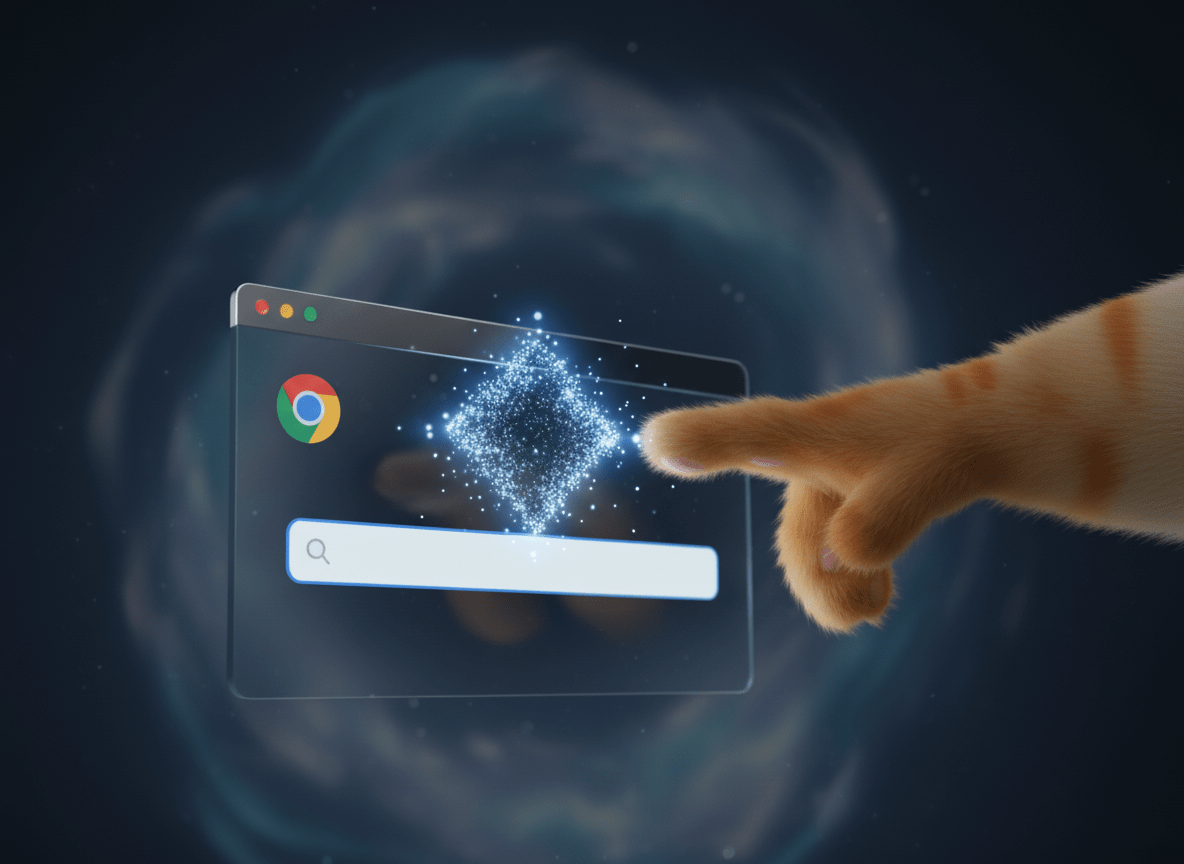
New AI Features in Chrome: What to Expect in 2025
New AI Features in Chrome: What to Expect in 2025
AI isn’t just arriving in specialist tools — it’s appearing in the everyday software we all rely on. Chrome, the browser many of us use daily, is introducing new AI-powered features designed to make browsing more intuitive, secure, and efficient.
Here’s a clear look at what’s changing.
Gemini in Chrome
Google has integrated its Gemini assistant directly into Chrome. This means you can:
- Summarise or compare information across tabs.
- Ask longer, more complex questions in the search bar.
- Keep conversations going with follow-up queries.
Tasks that once took 10–20 minutes — such as gathering research or comparing options — can now be handled in seconds.
Smarter Search with AI Mode
The familiar omnibox (search bar) now comes with an AI mode. It uses the context of the page you’re viewing to suggest next steps, generate answers, and let you explore questions without leaving the page.
It’s a subtle shift, but one that can make everyday browsing more fluid.
Safety and Security
AI is also being used to reduce risks online:
- Detecting scams, including fake virus alerts.
- Flagging suspicious notifications before they reach you.
- Warning about compromised passwords and even offering one-click fixes.
These updates are about removing friction and protecting focus, so you can work with fewer interruptions.
Takeaway
Chrome’s new AI features aren’t flashy gimmicks. They’re practical upgrades — helping you save time, stay secure, and make the most of your time online.